Small businesses often think they’re too small to be hacked. Unfortunately, that’s exactly what makes them such attractive targets. Automated bots don’t discriminate — they scan millions of websites daily looking for weak passwords, outdated plugins, and unprotected forms. A single breach can cost you customer trust, SEO rankings, and days of lost productivity. The good news? A few consistent habits can make your site far less vulnerable.
1. Use strong, unique passwords and usernames
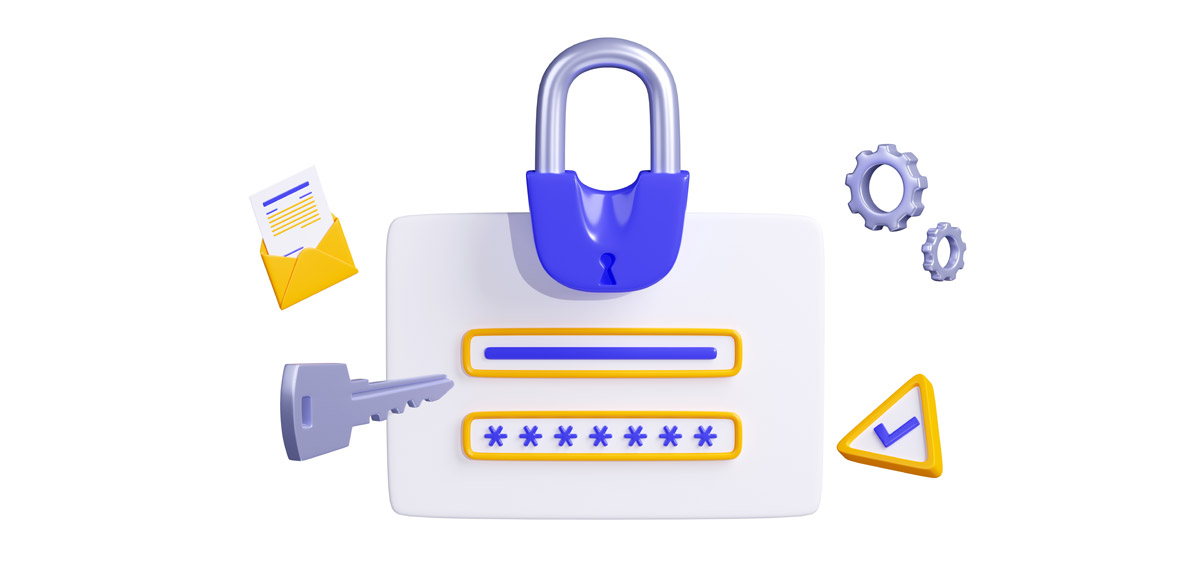
It may sound basic, but weak credentials are one of the most common entry points for hackers. Avoid using “admin” as your username and never reuse passwords from other accounts. A strong password includes upper and lowercase letters, numbers, and special characters. Tools like 1Password or Bitwarden can generate and store secure logins for you.
Also consider limiting login access to only those who need it. Each extra administrator increases your exposure to risk. If you have multiple team members, assign them roles like Editor or Author instead of giving everyone full admin privileges.
2. Enable two-factor authentication (2FA)
Even if someone guesses or steals your password, 2FA stops them from logging in. It requires a temporary code from your phone or an authentication app like Google Authenticator or Authy. Most modern security plugins, such as Solid Security or Wordfence, make adding 2FA simple. Think of it as a deadbolt on top of your front door lock.
3. Keep WordPress, plugins, and themes updated
Outdated software is the number one cause of hacked WordPress sites. Developers release updates to patch vulnerabilities, and hackers move fast to exploit anyone who delays. Check for updates weekly, and always back up before applying them. If you’re not comfortable doing that yourself, a maintenance plan from WP Experts handles it automatically and safely — no downtime, no guesswork.
4. Use SSL and HTTPS
Every website should load securely using HTTPS. It encrypts the connection between your visitors and your site, protecting sensitive data like form submissions and login credentials. Most hosts provide free SSL certificates through Let’s Encrypt, and WP Experts can install and configure them for you. A secure padlock icon in your browser also builds customer trust and boosts SEO rankings.
5. Limit login attempts and monitor activity
Hackers often try thousands of password combinations in a brute-force attack. Limiting login attempts stops them after a few tries, blocking suspicious IP addresses. You can enable this feature with security plugins like Wordfence or Login Lockdown. It’s also wise to monitor your login history — unusual login times or unknown users are red flags that need immediate attention.
6. Install a reputable security plugin
A good security plugin works like an all-in-one guard dog for your site. It monitors suspicious activity, scans files for malware, and even enforces strong passwords for users. Recommended options include Wordfence Security, Solid Security (formerly iThemes Security), and Sucuri Security. WP Experts configures and manages these tools as part of every maintenance plan, ensuring round-the-clock protection.
7. Run regular malware scans
Even well-secured sites can get infected. Regular scans catch malicious files before they cause serious damage or get flagged by Google. Use automated scanners weekly, or better yet, let professionals monitor your site continuously. WP Experts’ maintenance plans include 24/7 malware monitoring and immediate cleanup if a threat appears.
8. Backup frequently (and verify it works)
Security isn’t just about prevention — it’s also about recovery. If an attack or crash does happen, backups let you restore your site quickly. Schedule automated daily backups and store them in multiple locations, such as Google Drive or Dropbox. WP Experts performs verified off-site backups for every client so your data is always recoverable.
9. Protect your admin area
For extra defense, change the default “/wp-admin” login URL to something custom using a plugin like WPS Hide Login. You can also restrict admin access by IP address if you work from fixed locations. Combined with strong credentials and 2FA, this makes unauthorized logins virtually impossible.
10. Educate your team
Security is only as strong as your weakest link — and that’s often human error. Train your employees to recognize phishing emails, avoid suspicious plugins, and log out after using shared computers. Encourage everyone with site access to update passwords regularly and use a password manager.
WP Experts keeps small businesses safe
Managing all these security steps takes time and technical know-how. That’s where WP Experts comes in. Our team handles updates, scans, backups, and hardening automatically so you can focus on running your business. We take security personally because we know how devastating downtime or data loss can be for small teams.
Final thoughts
You don’t need enterprise-level resources to protect your website — you just need consistency and a trusted partner. With the right precautions in place, your small business site can be just as secure as any Fortune 500 company’s. WP Experts ensures your WordPress site stays locked down, monitored, and backed up 24/7.
You don’t have to be an IT expert to keep your site safe.
WP Experts can harden your site, monitor for attacks, and clean up any issues before they escalate.