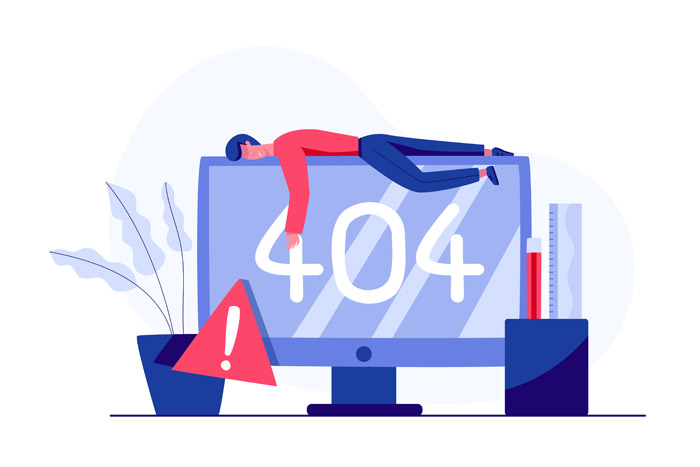
If you’ve managed a WordPress site for any length of time, you’ve probably encountered at least one mysterious error message or blank white screen. WordPress is powerful and flexible—but that flexibility can also make it fragile. The good news? Almost every common issue can be avoided with consistent maintenance and expert oversight. Here are the most frequent WordPress headaches and how a professional maintenance plan from WP Experts keeps them from ruining your day.
1. The White Screen of Death
Few things are scarier than loading your site and seeing nothing but a blank white page. This usually means a plugin or theme triggered a fatal PHP error. Proper maintenance stops this before it starts by testing updates on a staging site, monitoring for code conflicts, and removing abandoned plugins. At WP Experts, we never apply updates live until they’ve been safely verified.
2. Database Connection Errors
This dreaded “Error establishing a database connection” appears when WordPress can’t reach its database. It can stem from incorrect credentials, a crashed table, or a hosting issue. WP Experts monitors database performance and automatically repairs corrupted tables. We also maintain off-site backups so data is never lost if your hosting server fails.
3. Plugin and Theme Conflicts
With thousands of developers creating WordPress extensions, conflicts are inevitable. One plugin’s new feature might break another’s code. During maintenance, we review update logs, test compatibility, and roll out changes gradually to prevent chain-reaction issues. If something does misbehave, we pinpoint the culprit quickly through version tracking and rollback tools.
4. Slow Loading or Time-Out Errors
Performance issues aren’t just annoying—they can cripple SEO and conversions. Sluggish sites often suffer from unoptimized images, bloated databases, or outdated caching. WP Experts performs monthly speed audits and cleanup tasks that keep pages loading fast, ensuring visitors (and Google) stay happy.
5. Security Breaches and Malware Warnings
Unpatched plugins, weak passwords, and outdated themes open the door to hackers. A compromised site might display spam links or redirect users elsewhere. Regular maintenance closes those doors by applying security updates immediately, scanning for malware daily, and enforcing SSL and two-factor authentication. Prevention is far cheaper—and safer—than cleanup.
6. Update Failures and “Maintenance Mode” Locks
Ever run an update only to get stuck on “Briefly unavailable for scheduled maintenance”? That happens when an update freezes mid-process. WP Experts applies all core, theme, and plugin updates manually in a controlled environment, verifying success before pushing live. We also schedule updates during off-peak hours to avoid disruptions.
7. Broken Links and Missing Images
Over time, deleted content or renamed files create dead links and missing media. These not only frustrate users but also harm SEO. WP Experts uses automated link scanners to catch 404s and fix them before they impact rankings. We also verify that every image displays properly across devices and CDN caches.
8. Email Delivery Problems
If your contact or order forms stop sending emails, you could be missing leads without realizing it. WordPress relies on your host’s email configuration, which can break easily. WP Experts configures secure SMTP routing and monitors delivery logs so every form submission and notification reaches its destination.
9. Compatibility Issues After PHP or Server Upgrades
Hosting providers occasionally update PHP versions or server configurations. Older plugins may not be compatible, resulting in errors or site crashes. Our team monitors server environments and tests your site against new versions in advance to ensure seamless transitions.
10. Forgotten Backups
Perhaps the biggest mistake of all: assuming your site is backed up when it isn’t. Many site owners discover too late that their backup system stopped months ago. WP Experts runs verified daily backups stored on secure off-site servers and tests restores regularly. If disaster ever strikes, we can recover your site in minutes—not days.
Final Thoughts
Most WordPress errors don’t happen overnight—they build up slowly through neglect. Regular maintenance eliminates that risk by keeping your site updated, optimized, and monitored around the clock. Instead of waiting for something to break, partner with WP Experts to keep everything running exactly as it should.
Skip the headaches and protect your website from preventable errors.
Talk to a human – and see how effortless maintenance can be.