Upgrading or downgrading is simple. Just choose the new plan you want and complete the purchase. Your current subscription will remain active until the end of its billing term, and the new plan will take effect automatically after that.
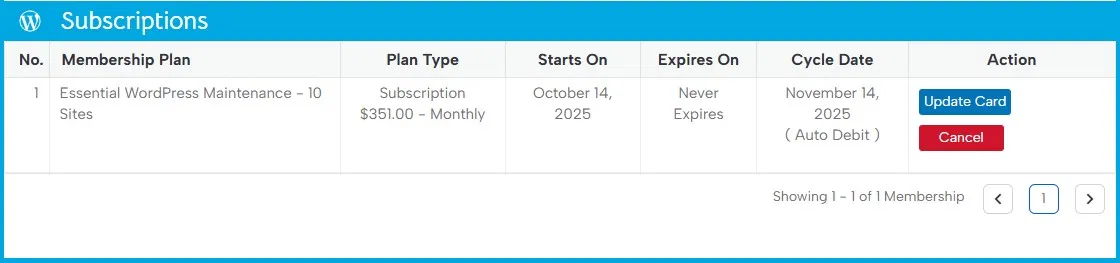
If you want to cancel entirely, log in to your account and go to the Membership page. Under Subscriptions, you’ll see your active plan. In the Actions column, click Cancel to end your subscription. Your site will remain covered until the end of the current billing period.
Last updated on December 9, 2025